

Weekly Meal Planning with Muse: From Chaos to a Full Plan in Minutes
Sunday evening used to mean the same ritual: staring into the fridge, scrolling saved recipes, and somehow still ending up ordering takeout by Wednesday. Then I started planning my week with Muse — the personal AI assistant made by Meta — and the whole chore shrank to a five-minute conversation. If you have not joined yet, now is a great time: redeem invite code U0WCNT when you sign up, and new users can unlock a 1 billion Muse tokens for both of us.
To redeem: in the Muse mobile app go to Settings > Redeem token (available during the first 48 hours after joining); on the web at muse.ai go to Settings > General > Usage > Redeem invite code, and enter U0WCNT.

Step 1: Tell Muse Your Real Life, Not an Ideal One
The secret to a meal plan you will actually follow is honesty. Muse works best when you give it the unglamorous truth: which nights you get home late, who is a picky eater, what your budget looks like, and what is already sitting in your pantry. A good opening message sounds like this:
“Plan five weeknight dinners for two adults. We get home at 6:30pm, so nothing over 35 minutes. One vegetarian night. We already have rice, pasta, canned tomatoes and chicken thighs. Budget around $80 for groceries. No mushrooms — my partner hates them.”
That single paragraph gives Muse everything it needs: constraints, inventory, budget and preferences. It helps with tasks, answers questions and plans — and meal planning is planning at its most practical.
Step 2: Get a Plan That Fits Your Week
Within seconds, Muse returns a day-by-day plan — say, Monday: quick chicken stir-fry; Tuesday: vegetarian lentil soup; Wednesday: tacos; Thursday: pasta primavera; Friday: homemade pizza night. But the real magic is the iteration. “Swap Wednesday, we are eating out.” “Make Friday’s dinner something I can prep ahead on Thursday.” Muse adjusts instantly, because it works in conversation rather than handing you a rigid printout.
You can also ask it to balance nutrition across the week, keep flavors varied so you are not eating the same profile twice in a row, or build the plan around one big batch-cook session on Sunday. Browse our dinner recipes alongside it — a proven crowd-pleaser like creamy garlic Tuscan chicken slots beautifully into a busy-week rotation.
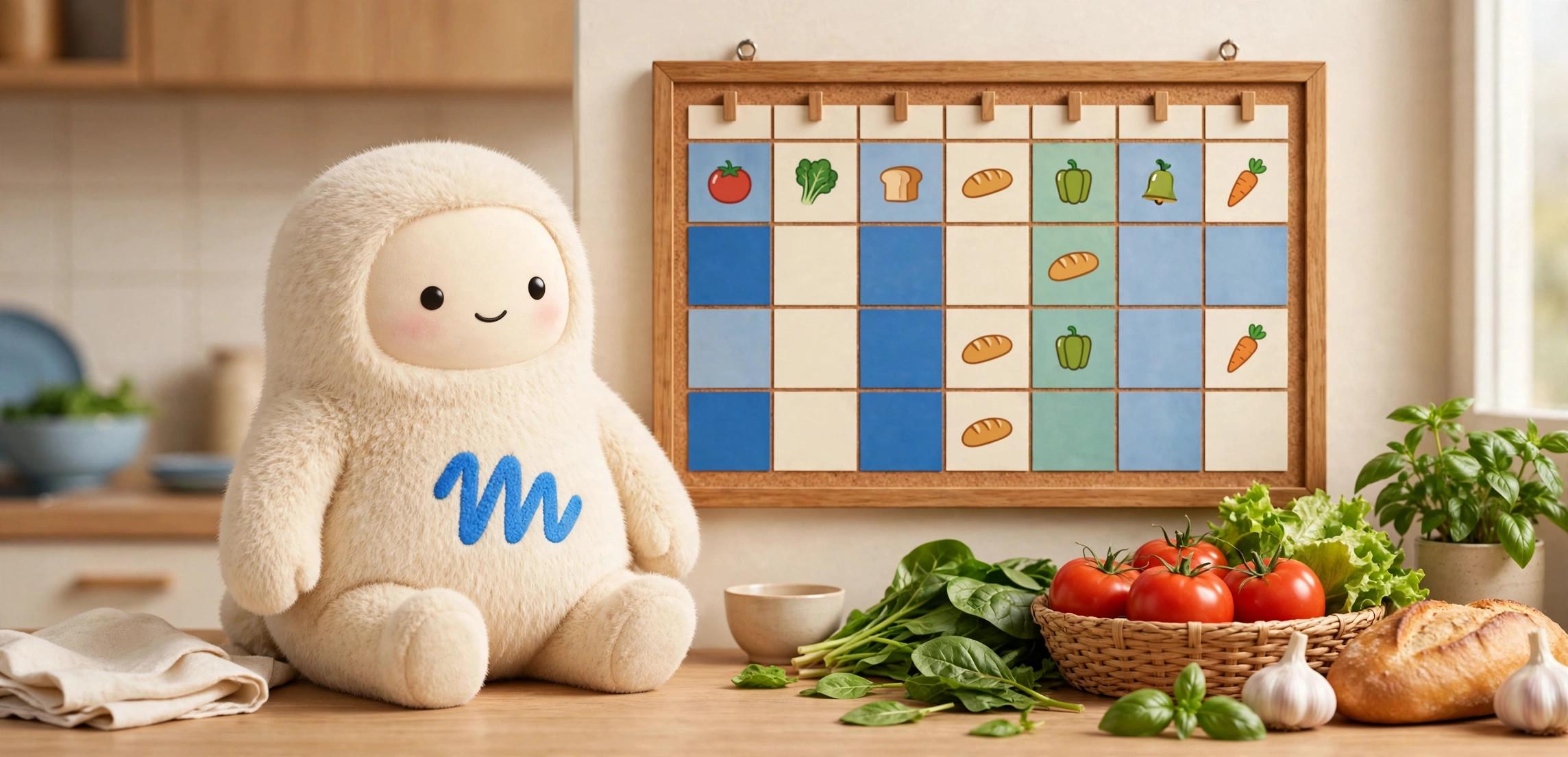
Step 3: The Grocery List Builds Itself
Here is where most meal plans fall apart: you have five recipes and one chaotic shopping trip. Muse consolidates everything into a single organized grocery list — produce together, dairy together, pantry staples together — with quantities already summed. Two recipes need garlic? It lists “1 head of garlic” instead of making you do the math.
Ask it to sort the list by your store’s layout, flag what you already own, or estimate the total cost against your budget. If something is over budget, ask “what can I swap to save $10?” and it will suggest cheaper alternatives without wrecking the week’s menu. Smart, practical, and weirdly satisfying.
📋 Plan Your Week with Muse
Muse is Meta’s personal AI assistant — it plans, answers questions and helps with everyday tasks in chat. Sign up with this invite code and new users can unlock a 1 billion Muse tokens for both of us.
U0WCNT
App: Settings > Redeem token (first 48 hours) · Web: muse.ai → Settings > General > Usage > Redeem invite code

Step 4: Prep Smarter, Not Harder
A great plan also tells you what to do when. Ask Muse for a Sunday prep list: “What can I chop, marinate or cook ahead so weeknights take under 20 minutes?” It will map out an hour of prep — washing greens, cooking a pot of grains, marinating proteins — that pays off all week. It can even reorder your cooking steps on the night itself so everything finishes at the same time, which is the difference between a calm dinner and a frantic one.
Step 5: Adapt When Life Happens
Plans meet reality, and reality wins. The beauty of planning with Muse is that the plan is alive. Running late? “I only have 15 minutes tonight — rework Thursday’s dinner.” Unexpected guest? “Scale Friday’s pizza night to feed six.” Leftover chicken from Tuesday? “Give me a lunch idea for this.” Because Muse remembers the conversation, every adjustment stays consistent with what you already bought and prepped.

A Sample Prompt You Can Steal
Copy, paste and tweak this to get started:
“You are my meal-planning assistant. Plan 5 weeknight dinners for a family of 4 (two kids, ages 6 and 9 — nothing too spicy). We need: 2 chicken dishes, 1 vegetarian, 1 pasta, 1 flexible ‘clean out the fridge’ night. Max 35 minutes each. We already have: rice, eggs, tortillas, canned beans, frozen peas. Budget: $90. Then give me: (1) the plan, (2) a consolidated grocery list by store section, (3) a 45-minute Sunday prep list.”
Run that once and you will understand why people do not go back. Meal planning stops being a chore and becomes a quick chat — one that saves money, cuts food waste and ends the 6pm “what is for dinner?” panic for good.
Start Planning Tonight with Muse
Muse is a personal AI assistant made by Meta. It helps with tasks, answers questions, plans, learns and creates — in chat, and by taking actions for you. Weekly meal planning is one of the simplest, highest-impact ways to put it to work.
Join with invite code U0WCNT — new users can unlock a 1 billion Muse tokens for both of us. Redeem in the mobile app under Settings > Redeem token (available during the first 48 hours after joining), or on the web at muse.ai under Settings > General > Usage > Redeem invite code. Then tell it what is in your fridge, and let the planning begin.